Container Node
The ContainerNode is like a shortcut that lets you pull in content from another file instead of putting everything into one big file. Think of it like linking to a separate document so your main file stays clean and organized.
It’s especially helpful when:
- You want to reuse the same set of questions in different places.
- You want to keep your main file simple by moving detailed logic elsewhere.
Use Case
Use the ContainerNode when you want to:
- Keep things tidy by separating parts of your project.
- Reuse content without copying and pasting it everywhere.
UI Examples
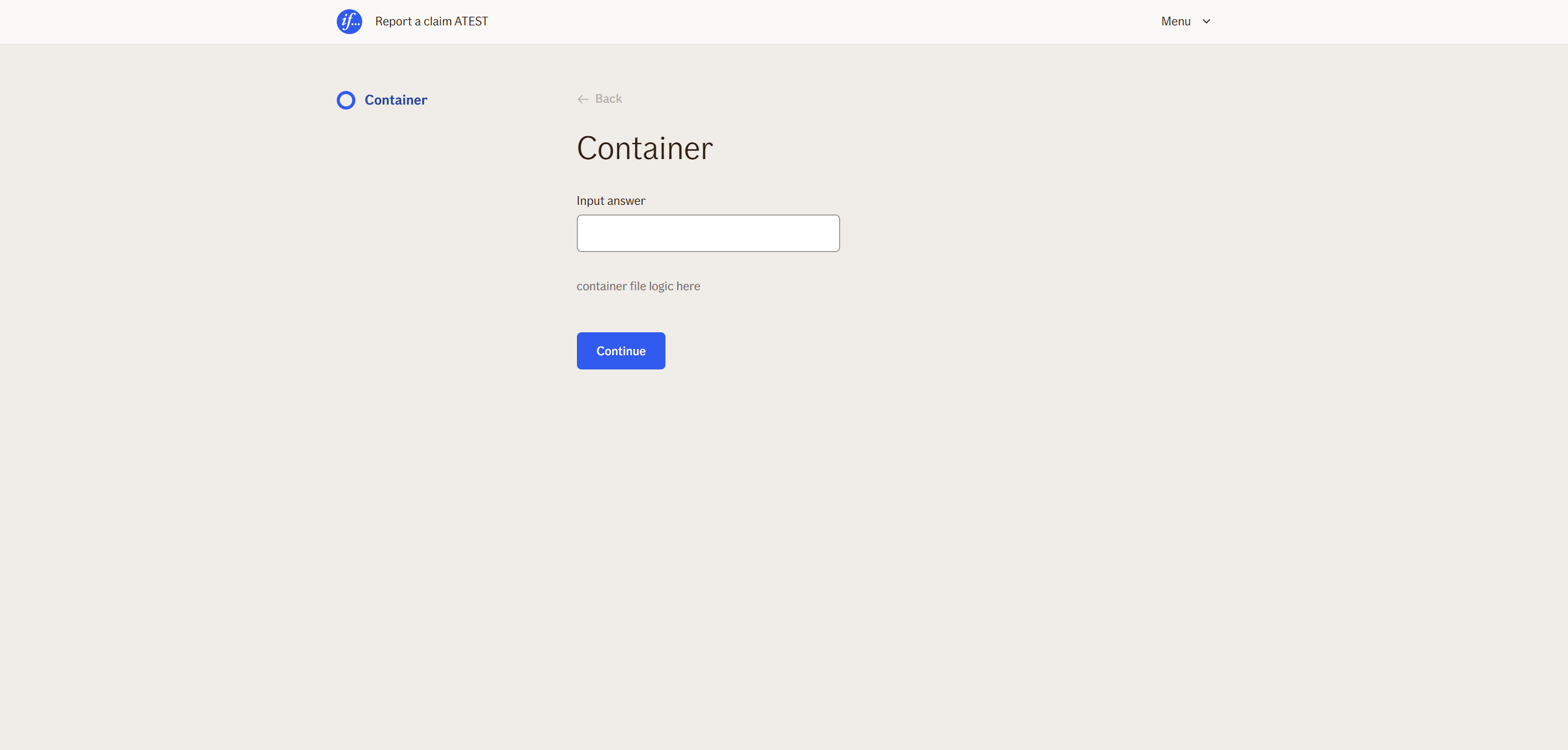
- TellUs
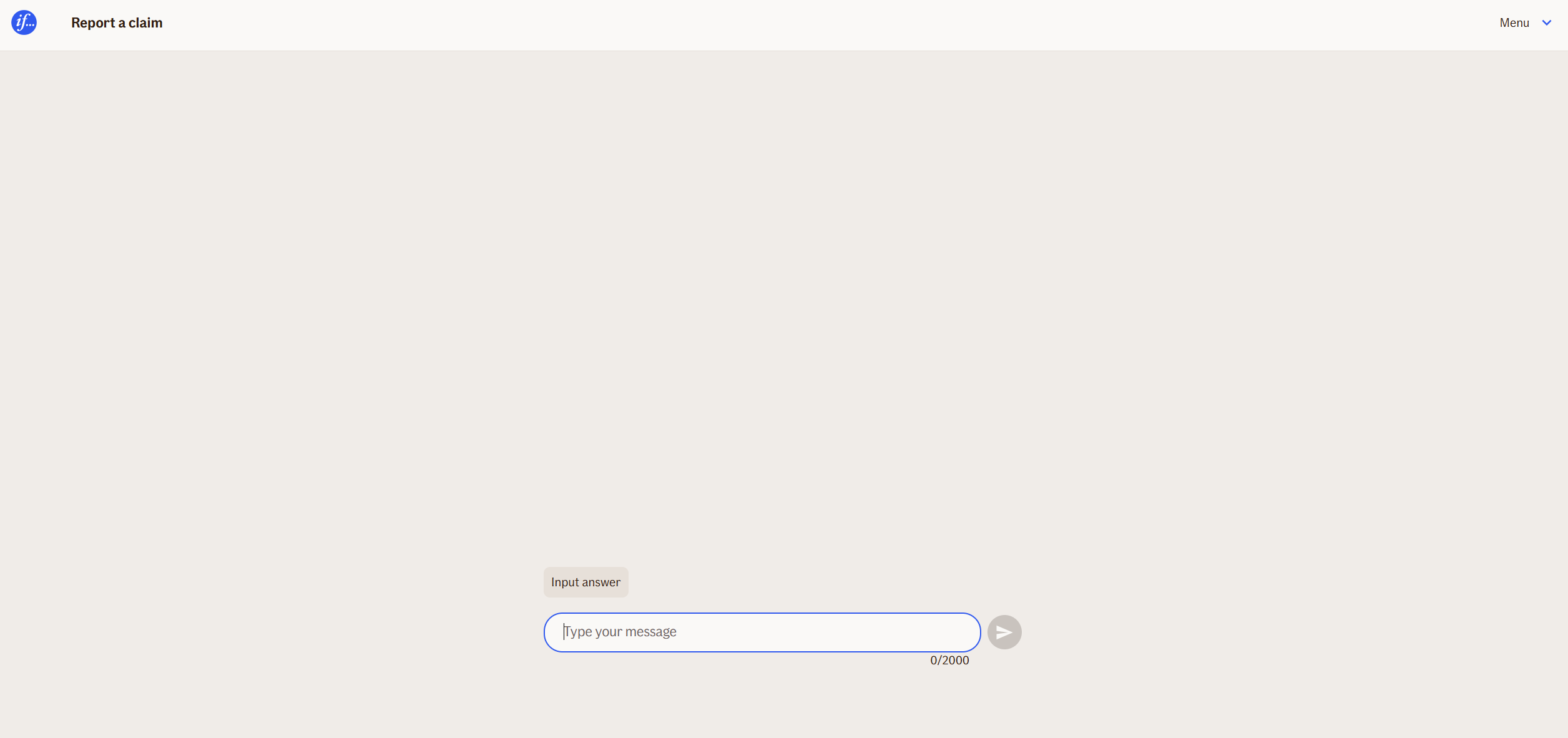
- WebChat
Behavior
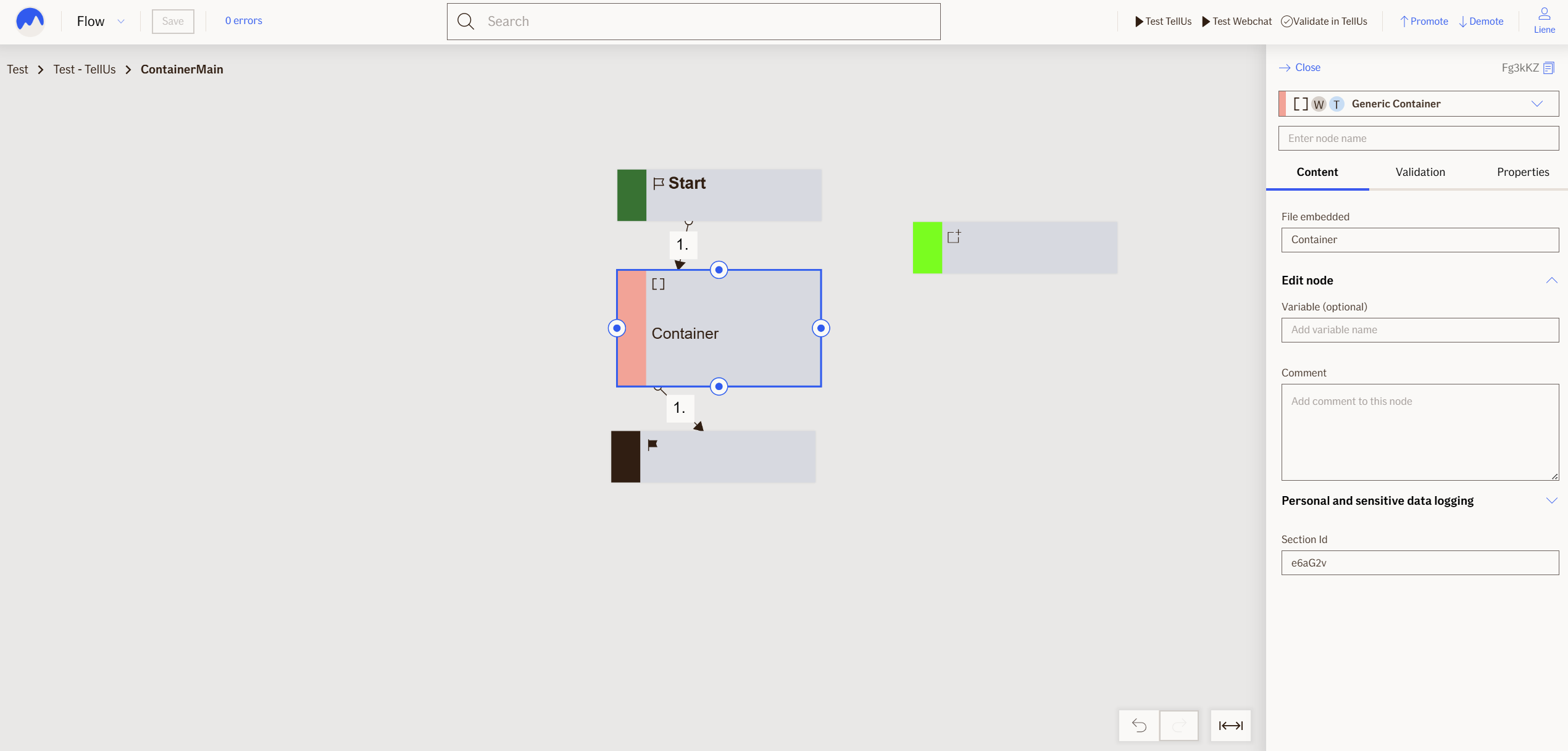
Node loads whatever content is inside container file. Container file is mapped in File embedded input field. Double click in container node opens embedded file in new tab.
Node Metadata
| Property | Description |
|---|---|
| Node class | ContainerNode |
| MessageType | 14 |
| CanBeEdited | False |
| CanBeProcessedOnce | False |
| RequireUserResponse | No |
Input Properties
| Property | Description |
|---|---|
| defaultValidationMessage | The default error message shown when the input is invalid or missing. This is used if no custom validation message is provided.
|
| sectionId | Groups this node visually under a specific section in TellUs. When multiple nodes share the same |
| defaultValue | The initial value that is prefilled into the input field when the node is rendered. Useful for suggesting defaults or pre-populating known data. |
| isRequired | Determines whether the user must provide a value before continuing. If set to
|
| isRequiredValidationMessage | The error message shown when a required field is left empty. This overrides the default validation message when
|
Output Properties
No output properties.
Editor Example
This link opens a prebuilt flow using this node in context. You can inspect how it's configured, how it's connected, and how it behaves in a real editor environment.