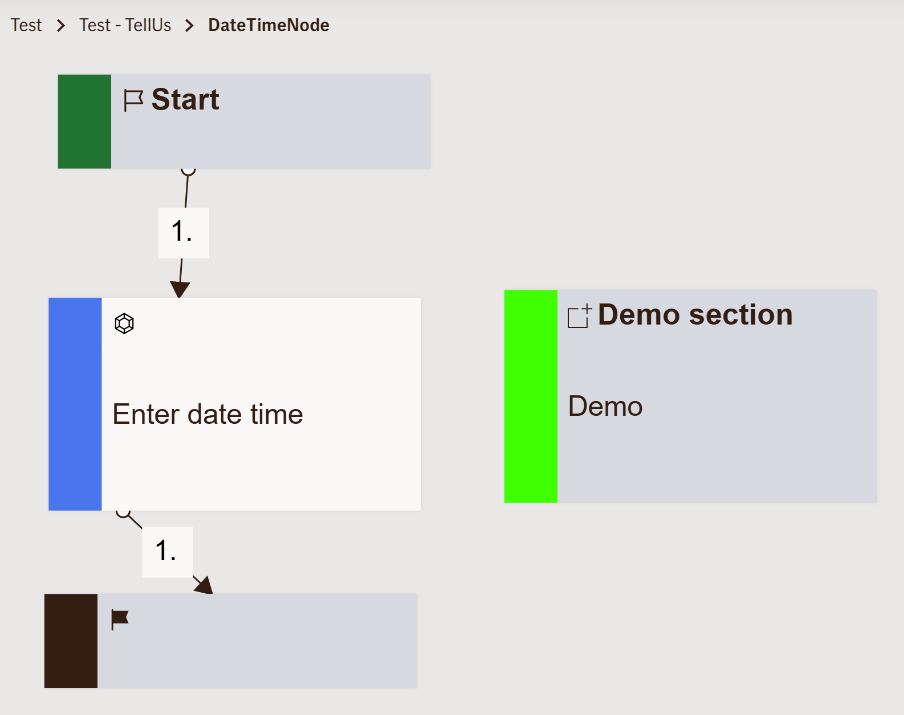
Input Date Time Node
Node is not implemented in TellUs or WebChat. Only available in Baltics.
Collects a combined date and time input from the user.
This node allows specifying both the day and the exact time (hours and minutes), ensuring accurate scheduling or timestamp capture.
Use Case
Use this node when the flow needs to capture both date and time details — for example:
- Booking an appointment with an insurance agent.
- Scheduling a vehicle inspection or repair.
- Recording the exact date and time of an accident or incident report.
- Capturing policy activation or cancellation time.
UI Examples
- TellUs
- WebChat
Not implemented in Atlas
Not implemented in Atlas
Behavior
- Blocking: Yes — the flow waits until valid date and time are entered.
- Requires user input: Yes.
- If no input is provided: A localized validation message is displayed, and the flow does not proceed.
- Outputs variables: Yes — the combined date and time value entered by the user.
- Validations enforced:
- Ensures correct format according to
dateTimeFormat. - Checks for missing or invalid values.
- Displays localized validation messages.
- Ensures correct format according to
Node Metadata
| Property | Description |
|---|---|
| Node class | InputDateTimeNode |
| MessageType | 6 |
| CanBeEdited | True |
| CanBeProcessedOnce | False |
| RequireUserResponse | Yes |
Input Properties
| Property | Description |
|---|---|
| dateTimeFormat | Defines the expected format for displaying and parsing the combined date and time. This determines how users must enter values (for example,
|
| defaultValidationMessage | The default error message shown when the input is invalid or missing. This is used if no custom validation message is provided.
|
| sectionId | Groups this node visually under a specific section in TellUs. When multiple nodes share the same |
| defaultValue | The initial value that is prefilled into the input field when the node is rendered. Useful for suggesting defaults or pre-populating known data. |
| isRequired | Determines whether the user must provide a value before continuing. If set to
|
| isRequiredValidationMessage | The error message shown when a required field is left empty. This overrides the default validation message when
|
Output Properties
No output properties.
Editor Example
This link opens a prebuilt flow using this node in context. You can inspect how it's configured, how it's connected, and how it behaves in a real editor environment.