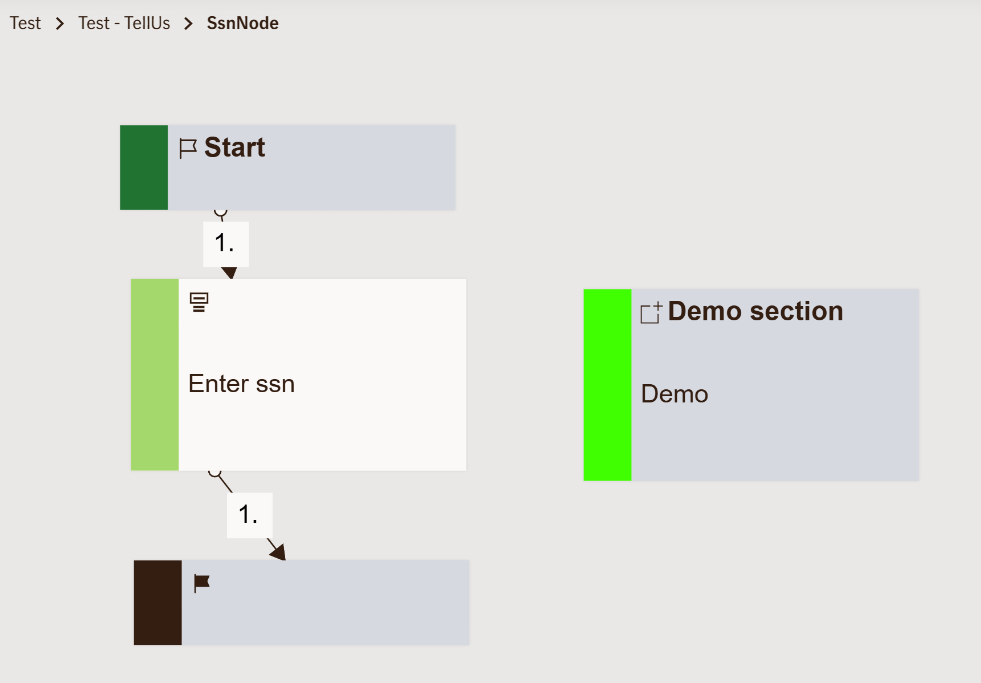
Input Ssn Node
Prompts the user to enter their social security number (SSN) or personal identification number, which is validated according to the selected country’s format rules. Used to verify user identity or retrieve existing personal or insurance-related information during a form flow.
Use Case
Use this node when you need to collect a user’s social security number as part of a process that involves identity verification, coverage lookup, or data prefill in an insurance application.
For example:
- When starting a claim form to automatically fetch the user’s existing policy details.
- When verifying an applicant’s identity before showing personalized insurance offers.
- When validating eligibility for specific insurance benefits or policy options.
Avoid using this node when the user can proceed anonymously or when SSN-based identification isn’t legally required (for example, when browsing general insurance information).
UI Examples
- TellUs
- WebChat
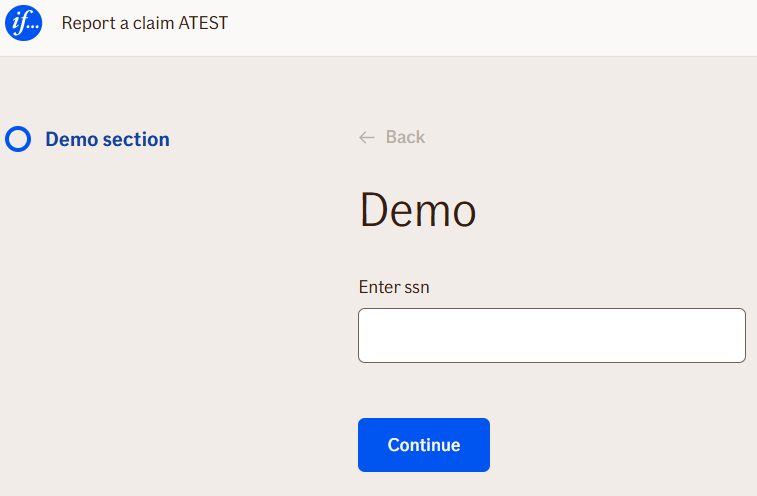
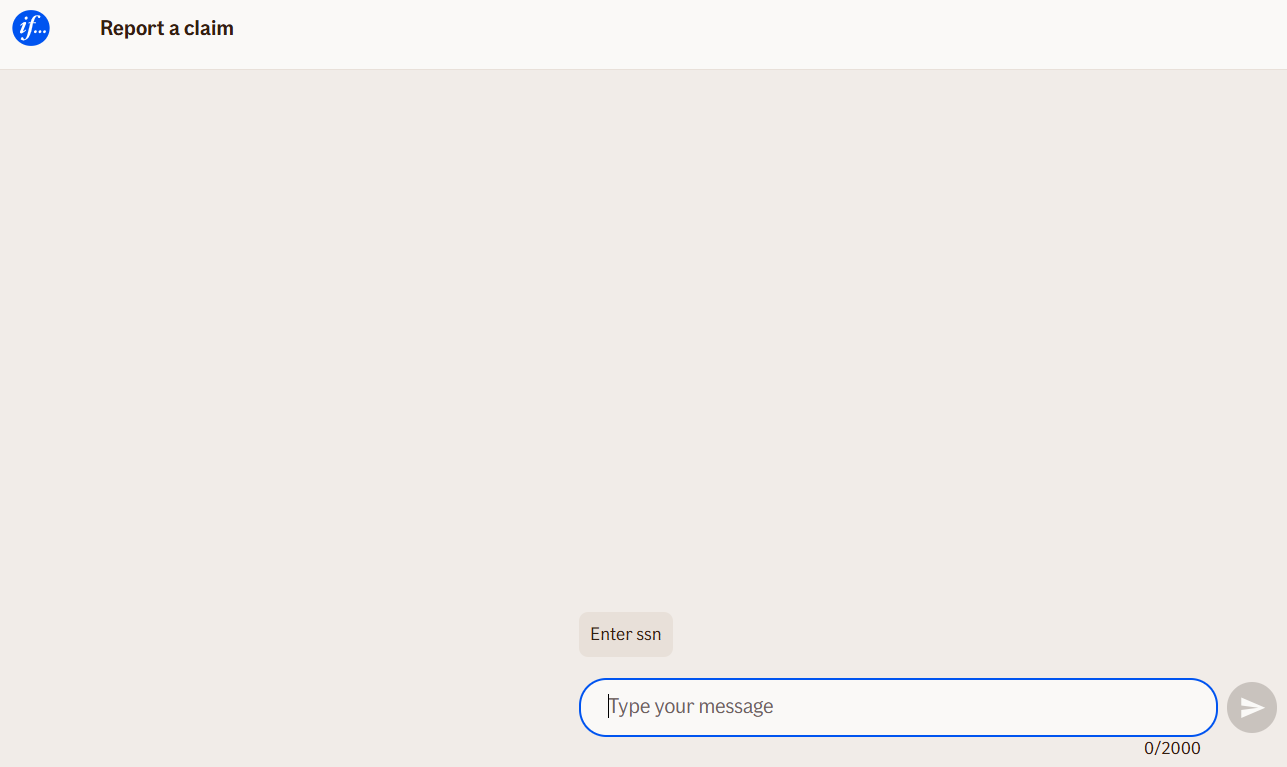
Behavior
- Blocking: Yes — the flow pauses until the user enters a valid SSN.
- Requires user input: Yes.
- If no input is provided: The form displays a validation message and prevents the user from continuing.
- Outputs variables: Yes — the entered SSN value is output and can be referenced by subsequent nodes.
- Validations enforced:
- Checks SSN format based on
CountryCode. - Validates length and structure.
- Shows localized error messages for invalid or missing input.
- Checks SSN format based on
Node Metadata
| Property | Description |
|---|---|
| Node class | InputSsnNode |
| MessageType | 7 |
| CanBeEdited | True |
| CanBeProcessedOnce | False |
| RequireUserResponse | Yes |
Input Properties
| Property | Description |
|---|---|
| placeholder | The placeholder text displayed inside the input field before the user enters their social security number. For example: “Enter your personal identification number”. This helps guide the user when the field is empty. |
| CountryCode | Defines which country’s social security number format should be validated against. For example, DK, SE, or FI. This ensures that the input follows the correct local format and validation rules for that country. |
| maxLengthValidationMessage | The message shown when the entered value exceeds the allowed length for the social security number. This helps maintain format accuracy and prevent user input errors.
|
| defaultValidationMessage | The default error message shown when the input is invalid or missing. This is used if no custom validation message is provided.
|
| sectionId | Groups this node visually under a specific section in TellUs. When multiple nodes share the same |
| defaultValue | The initial value that is prefilled into the input field when the node is rendered. Useful for suggesting defaults or pre-populating known data. |
| isRequired | Determines whether the user must provide a value before continuing. If set to
|
| isRequiredValidationMessage | The error message shown when a required field is left empty. This overrides the default validation message when
|
Output Properties
No output properties.
Editor Example
This link opens a prebuilt flow using this node in context. You can inspect how it's configured, how it's connected, and how it behaves in a real editor environment.