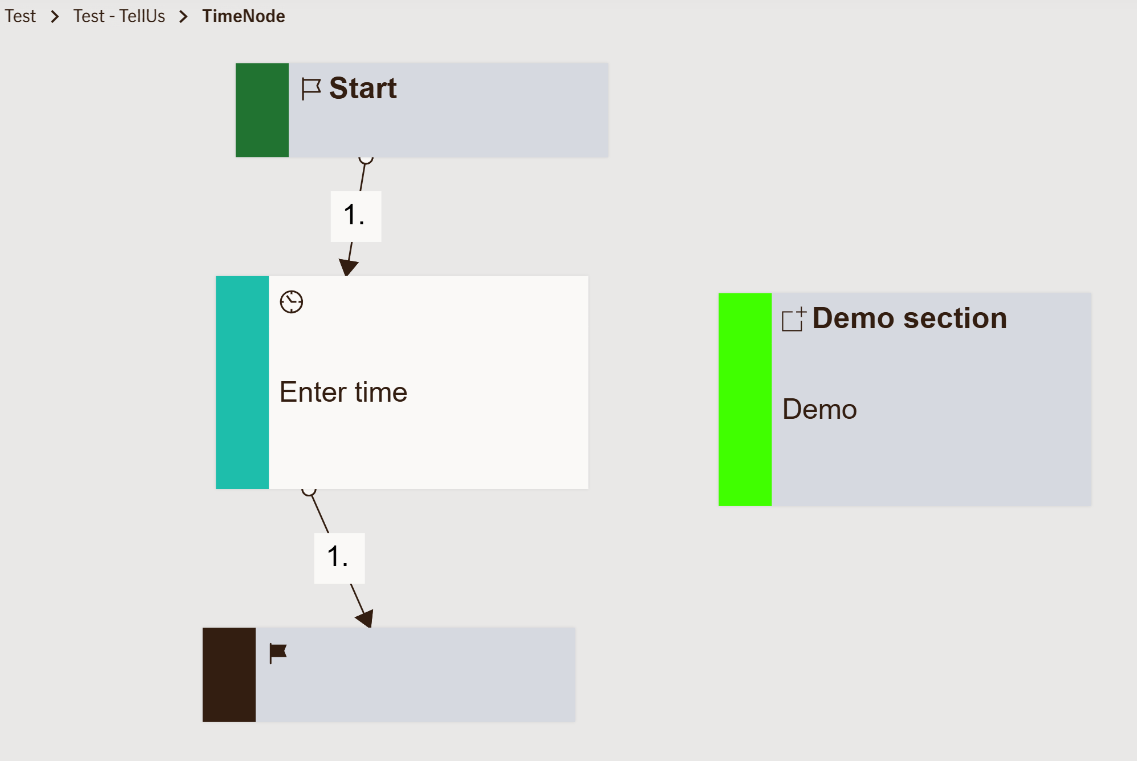
Input Time Node
The Input Time Node allows the user to select or enter a specific time. It ensures consistent formatting, localization, and validation for time inputs across all TellUs and WebChat interactions.
Use Case
Use this node when the flow requires users to specify a particular time of day.
Common insurance-related examples include:
- Selecting the time of an accident in a motor claim
- Recording when damage was discovered for property claims
- Scheduling a callback or inspection time
- Logging the time of a medical event or appointment
Avoid using this node for full timestamps (date + time together) — that’s better handled by date time node.
UI Examples
- TellUs
- WebChat
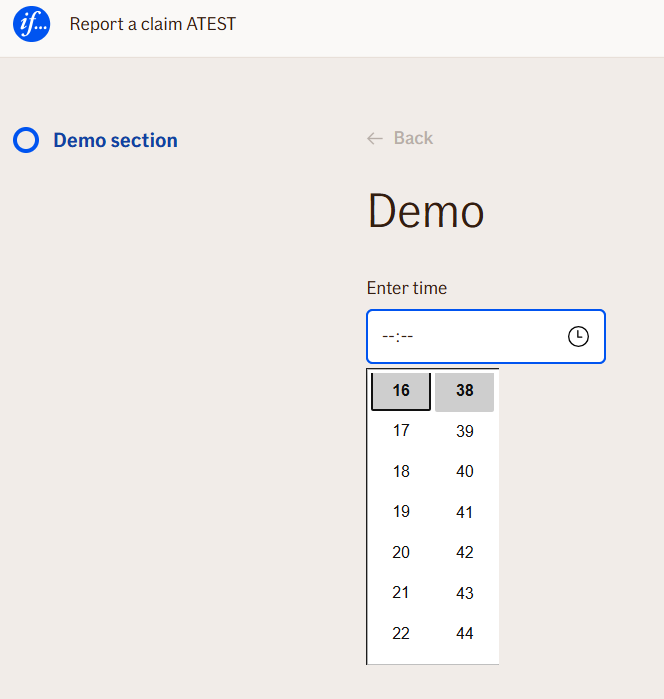
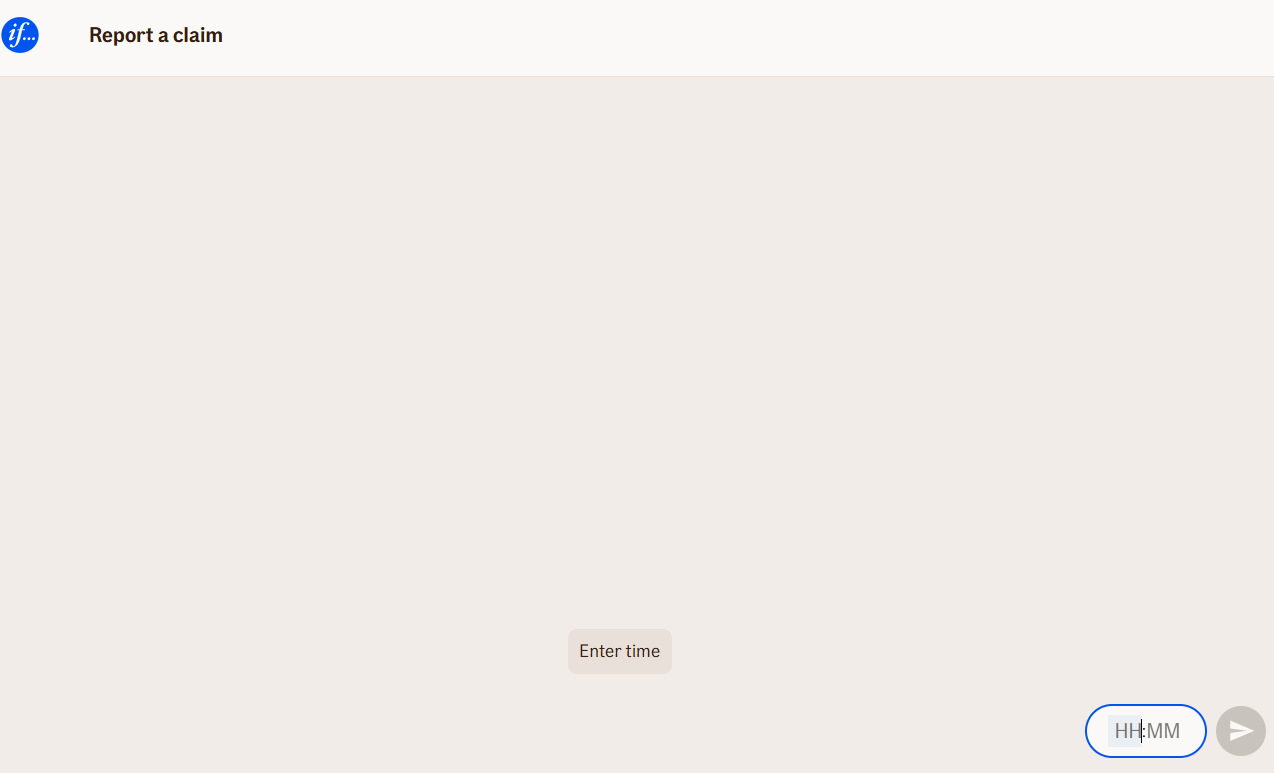
Behavior
- Blocking: ✅ Yes — the flow waits until the user provides and confirms a time.
- User input required: ⚙️ Configurable with
isRequired. - Validation: Enforces correct time format and prevents selecting future times when
shouldNotExeedNowis enabled. - Localization: Time format masks (e.g.,
HH,MM) automatically adapt to the user’s language. - Output: The formatted time can be stored and referenced later in the flow.
When editing the node:
- Define the time masks (hour and minute format) to control how the input appears.
- Configure labels and validation messages for each language.
- Set constraints such as disallowing times in the future (
shouldNotExeedNow).
Node Metadata
| Property | Description |
|---|---|
| Node class | InputTimeNode |
| MessageType | 5 |
| CanBeEdited | True |
| CanBeProcessedOnce | False |
| RequireUserResponse | Yes |
Input Properties
| Property | Description |
|---|---|
| shouldNotExeedNow | Prevents users from selecting a time that is later than the current time. Commonly used when capturing an event that has already occurred (e.g., “Time of accident”).
|
| exeedsNowMessage | The message displayed when the user selects a time that exceeds the current time while
|
| date | The associated date value for which this time applies. This can be used to combine date and time selections in a single logical context. |
| dateFormat | Defines the format used for displaying or parsing the date when it’s part of the input (e.g.,
|
| timeZoneId | Specifies the time zone context for the input and validation. Ensures that times are interpreted correctly across different regions.
|
| hourMask | Controls how hours are displayed in the input field (e.g.,
|
| minutesMask | Controls how minutes are displayed in the input field (e.g.,
|
| hours | The localized label or placeholder for the hours input (e.g., “Hours”, “Timer”).
|
| minutes | The localized label or placeholder for the minutes input (e.g., “Minutes”, “Minutter”).
|
| defaultValidationMessage | The default error message shown when the input is invalid or missing. This is used if no custom validation message is provided.
|
| sectionId | Groups this node visually under a specific section in TellUs. When multiple nodes share the same |
| defaultValue | The initial value that is prefilled into the input field when the node is rendered. Useful for suggesting defaults or pre-populating known data. |
| isRequired | Determines whether the user must provide a value before continuing. If set to
|
| isRequiredValidationMessage | The error message shown when a required field is left empty. This overrides the default validation message when
|
Output Properties
| Property | Description |
|---|---|
| displayValue | The formatted time string as seen by the user (e.g., “14:30”). Can be referenced later in the flow, for example |
Editor Example
This link opens a prebuilt flow using this node in context. You can inspect how it's configured, how it's connected, and how it behaves in a real editor environment.