Overview Node
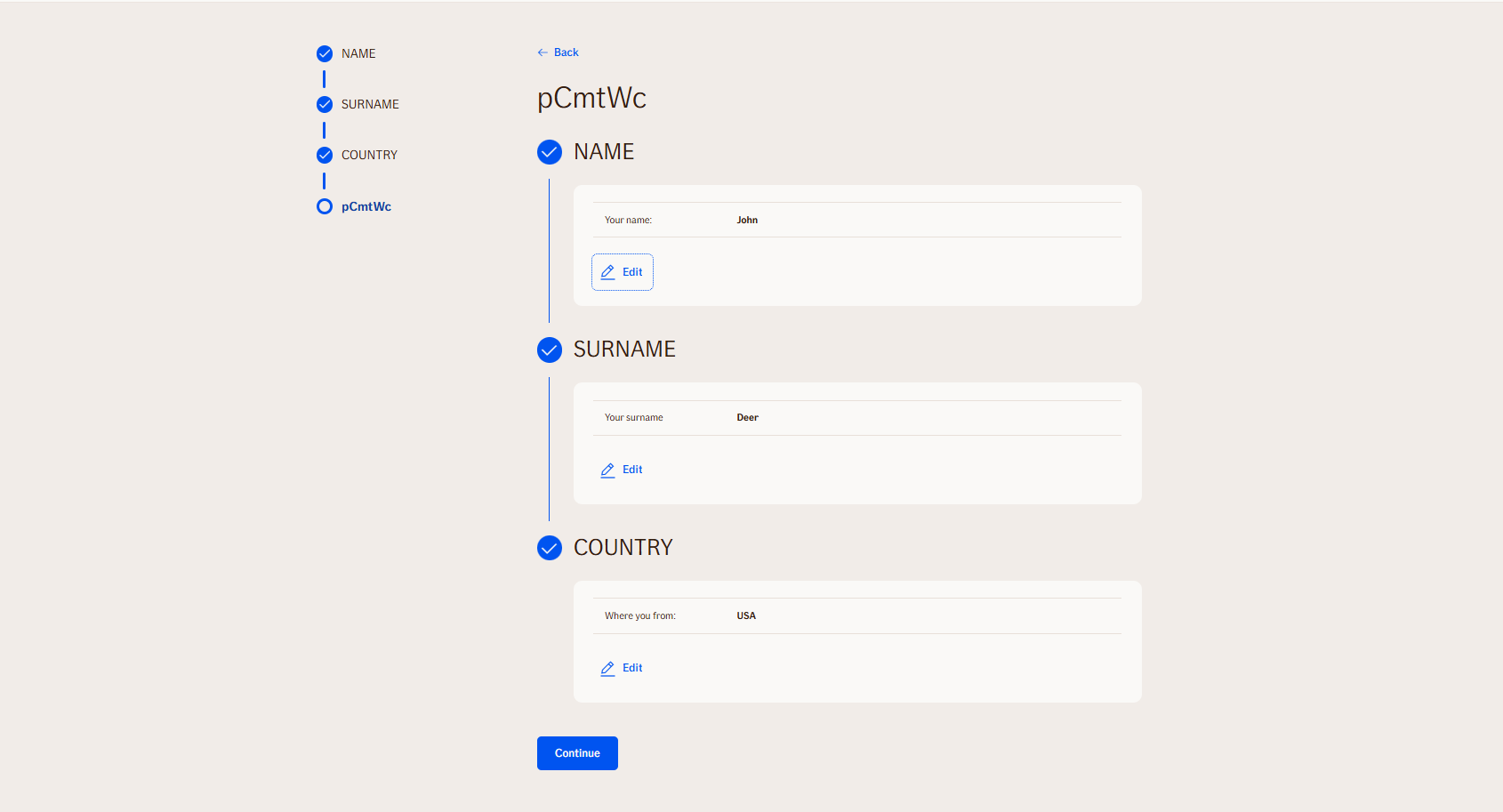
Displays a comprehensive summary of the conversation showing all sections and their collected user inputs. The response includes hierarchical section data with sub-sections and their corresponding input items.
Node is used exclusively for TellUs.
Use Case
Use the Overview node when:
- You want to provide users with a summary of their inputs and selections made throughout the conversation.
- You need to present hierarchical data, including sections and sub-sections, along with their corresponding input items for review before proceeding.
- You aim to enhance user experience by allowing users to verify and edit their information in a structured format.
UI Examples
- TellUs
- WebChat
Not applicable
Behavior
- Blocking: the node waits for the user to continue
- Produces output: no output
- Supports validation: can be marked as required/optional
- Moves to the next node after continue
Node Metadata
| Property | Description |
|---|---|
| Node class | OverviewNode |
| MessageType | 44 |
| CanBeEdited | False |
| CanBeProcessedOnce | False |
| RequireUserResponse | YesWithoutAwaiting |
Input Properties
| Property | Description |
|---|---|
| isReadOnly | Can be only viewed but not edited by the user.
|
| defaultValidationMessage | The default error message shown when the input is invalid or missing. This is used if no custom validation message is provided.
|
| sectionId | Groups this node visually under a specific section in TellUs. When multiple nodes share the same |
| defaultValue | The initial value that is prefilled into the input field when the node is rendered. Useful for suggesting defaults or pre-populating known data. |
| isRequired | Determines whether the user must provide a value before continuing. If set to
|
| isRequiredValidationMessage | The error message shown when a required field is left empty. This overrides the default validation message when
|
Output Properties
No output properties.
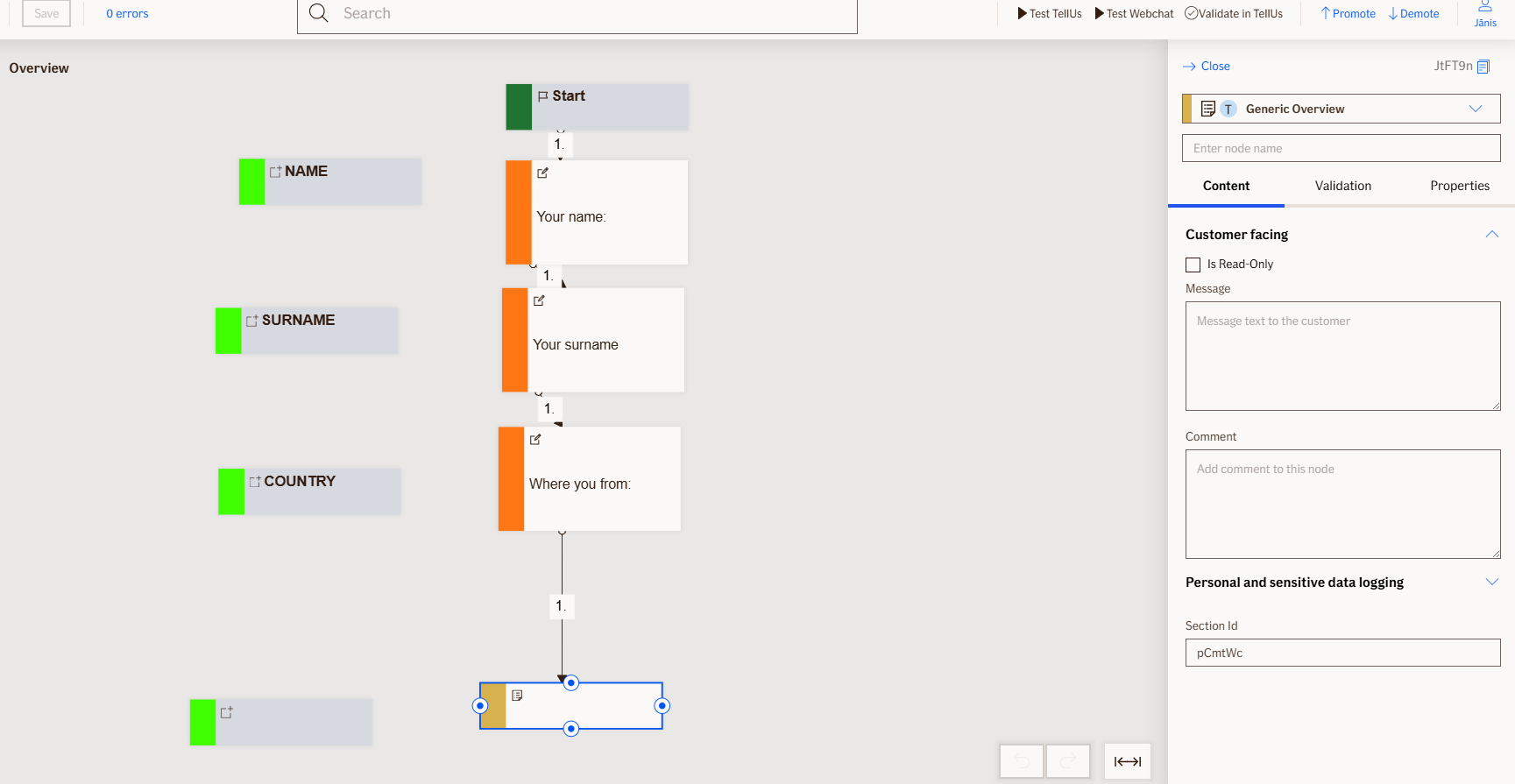
Editor Example
This link opens a prebuilt flow using this node in context. You can inspect how it's configured, how it's connected, and how it behaves in a real editor environment.