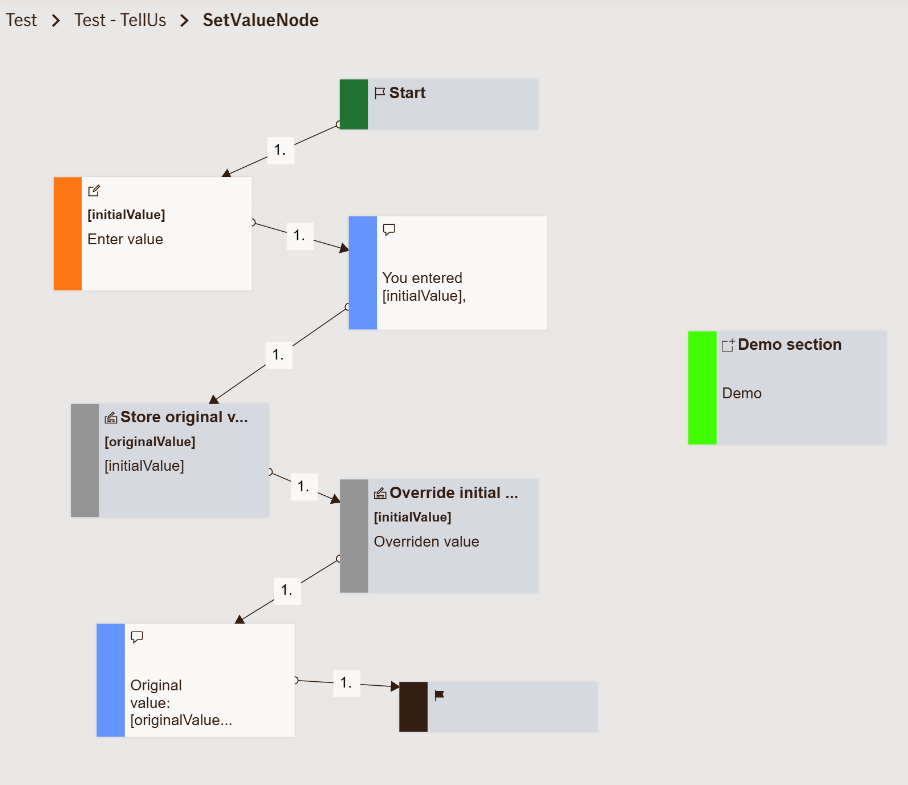
Set Value Node
The Set Value Node allows you to create new variables or update existing ones within the flow.
It’s a utility node that doesn’t interact with the user directly but is essential for controlling logic, storing data, and passing values between nodes.
Use Case
Use the SetValueNode when you need to:
- Save a value for later use in the flow (e.g., store an insurance claim number, timestamp, or user choice).
- Modify an existing variable based on a previous node’s output.
- Pass information between nodes without requiring user input.
- Prepare or clean data before sending it to another system or API.
Example scenarios:
- After a user submits their vehicle registration number, you use
SetValueNodeto store[vehicleInput.displayValue]into a new variablevehicleNumber. - Automatically populate a claim reference variable with a value fetched from an integration or generated dynamically.
When not to use:
Avoid using SetValueNode for user interaction or display — it is not visible in the UI and doesn’t render any message.
UI Examples
- TellUs
- WebChat
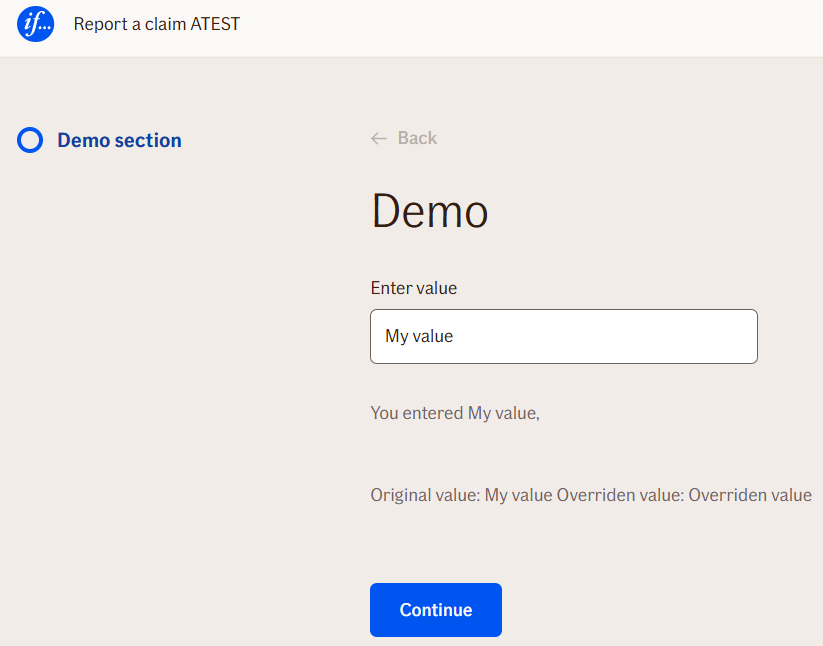
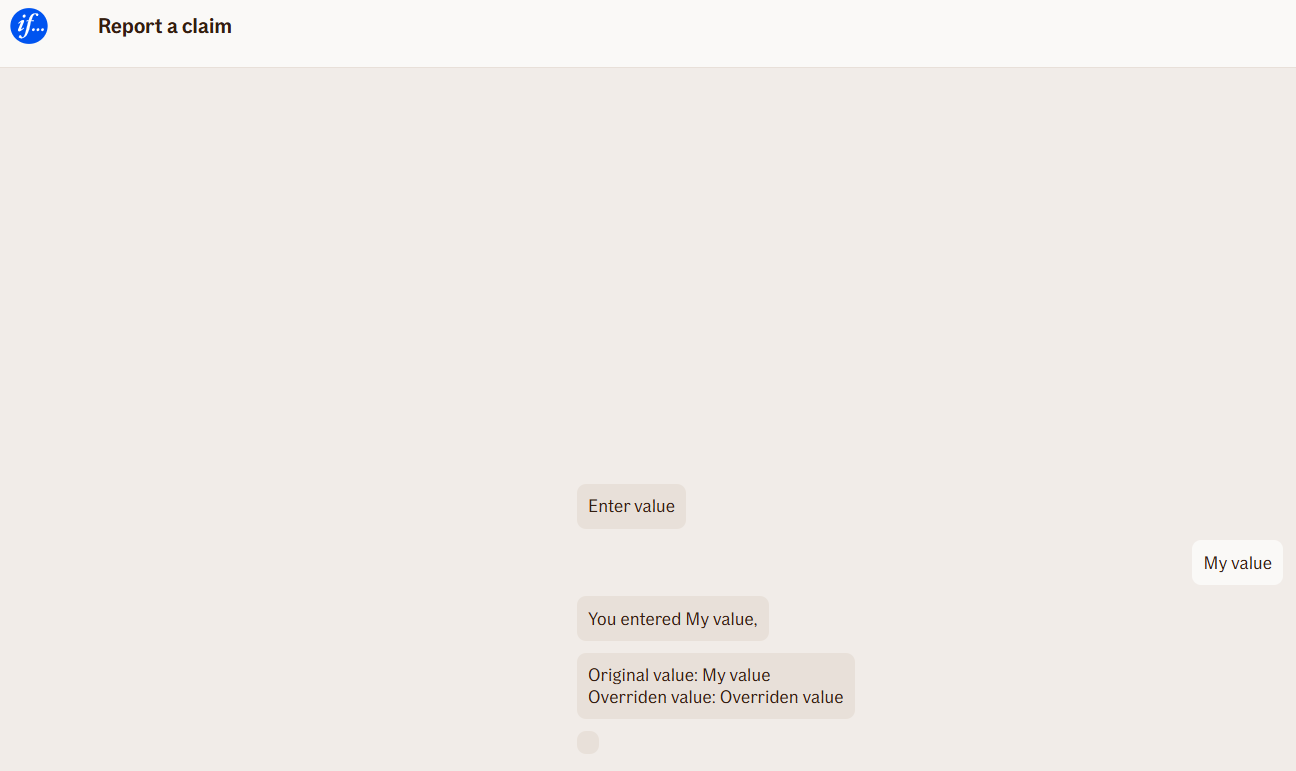
Behavior
- Blocking: No — this node runs automatically and doesn’t wait for user input.
- Requires user input: No.
- If no input is provided: Not applicable.
- Outputs variables: No new outputs beyond those it defines or updates.
- Validations enforced: None — all logic is internal.
Node Metadata
| Property | Description |
|---|---|
| Node class | SetValueNode |
| MessageType | 12 |
| CanBeEdited | False |
| CanBeProcessedOnce | False |
| RequireUserResponse | No |
Input Properties
| Property | Description |
|---|---|
| defaultValidationMessage | The default error message shown when the input is invalid or missing. This is used if no custom validation message is provided.
|
| sectionId | Groups this node visually under a specific section in TellUs. When multiple nodes share the same |
| defaultValue | The initial value that is prefilled into the input field when the node is rendered. Useful for suggesting defaults or pre-populating known data. |
| isRequired | Determines whether the user must provide a value before continuing. If set to
|
| isRequiredValidationMessage | The error message shown when a required field is left empty. This overrides the default validation message when
|
Output Properties
No output properties.
Editor Example
This link opens a prebuilt flow using this node in context. You can inspect how it's configured, how it's connected, and how it behaves in a real editor environment.